


Your office number, on your phone
Make and take calls on the clinic’s line. Patients see the clinic, not your personal number.
Answer the office line wherever you are, so patients hear a real voice instead of voicemail.



Make and take calls on the clinic’s line. Patients see the clinic, not your personal number.
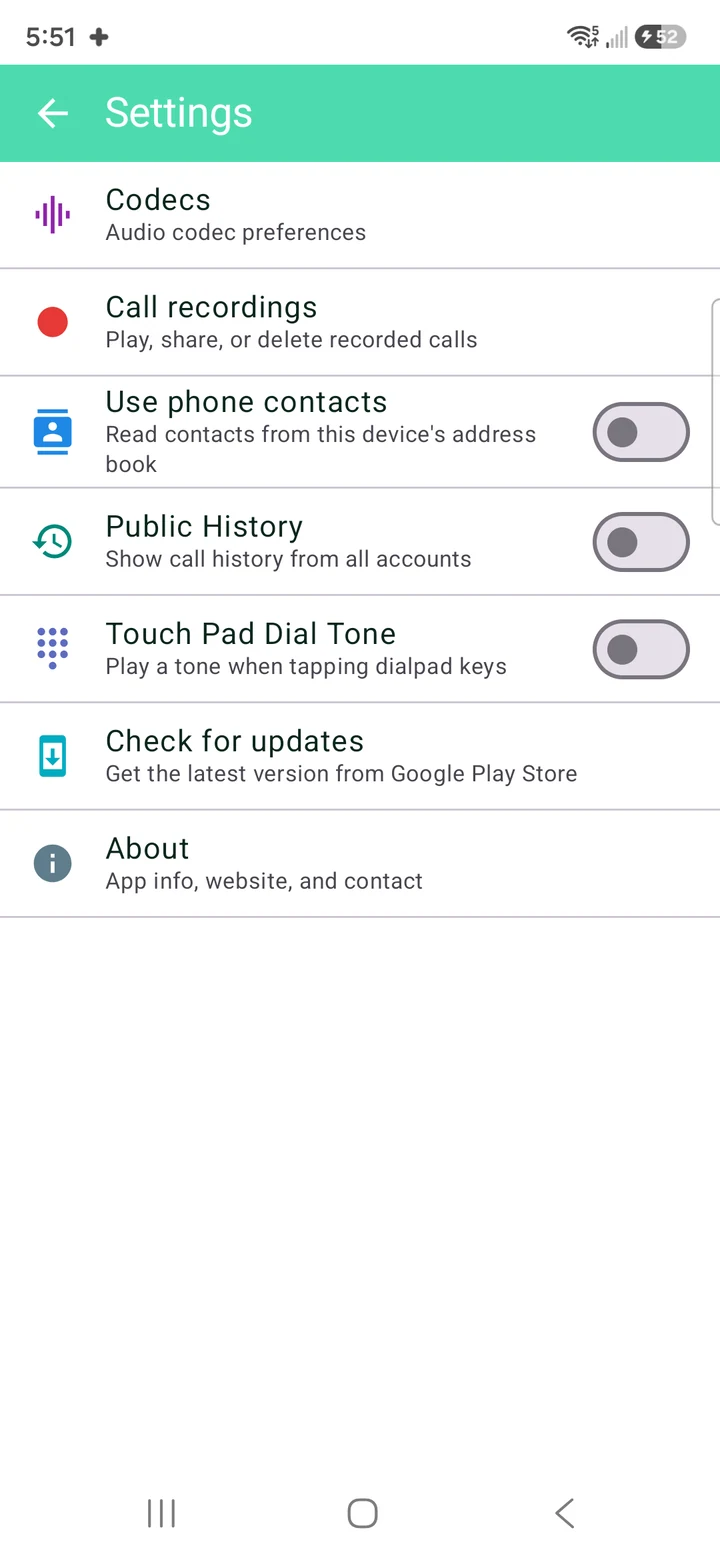
Tap to record, or set a line to record every call. Recordings stay on your device.

Add every line you cover. Each keeps its own history.
Stays signed in on Wi‑Fi and mobile data, and comes back on its own after a restart.

The same clinic line on a Windows PC.

Sign up, get your username and password, and your phone is ready to take calls.
Free for Android, iPhone and Windows.
Enter the username and password from your phone system. Add up to 5 lines.
Calls to the clinic ring on your phone or computer, on Wi‑Fi or mobile data.
No phone system yet? NetLayers can set one up with you.
Talk to usNo account, no ads, no tracking. Your calls are your business.
Saved locally, never in an account with us.
Nothing is uploaded. Delete anything in the app, any time.
Match names to numbers on the device, or leave it off.
No. You sign in with the username and password your phone-system admin gives you. If you don’t have a phone system, we can provide one.
No. Calls travel over Wi‑Fi or mobile data through your phone system, so your personal plan isn’t touched.
No. Calls go out on your clinic’s line, so patients see the number they already know.
Android phones, iPhone, and Windows PCs. The download links are at the top of this page.

MediCall is free for Android, iPhone and Windows. No phone system yet? We’ll set one up with you.
Or reach a person: